
Zoom, freelook and toggle sprint
Zoom
Hold V to zoom in smoothly. While you hold the key, the mouse wheel changes the zoom, and the mouse slows down with it. Zoom pauses while you look through a spyglass. On by default, in every Minecraft version.
| Setting | Default |
|---|---|
| Zoom factor | 4× (2× – 10×) |
| Smooth transition | on |
| Mouse wheel changes zoom | on |
| Slow down mouse | on |
| Cinematic camera (only while zooming) | off |
Freelook
Hold Left Alt to orbit the camera around your character. You keep walking and looking straight ahead, and the server only ever sees your real view direction. Off by default – turn it on in the category World.
Turn it on
TRS menu → World → Freelook.
Choose how it works
Toggle instead of hold switches freelook with one press. Perspective puts the camera Behind or In front of you.
Add servers where it should stay off
Off on these servers takes a list separated by ;, for example example.net;other.org. Subdomains count too; *.example.net means only the subdomains. On these servers freelook switches itself off and a message tells you.
Toggle sprint and toggle sneak
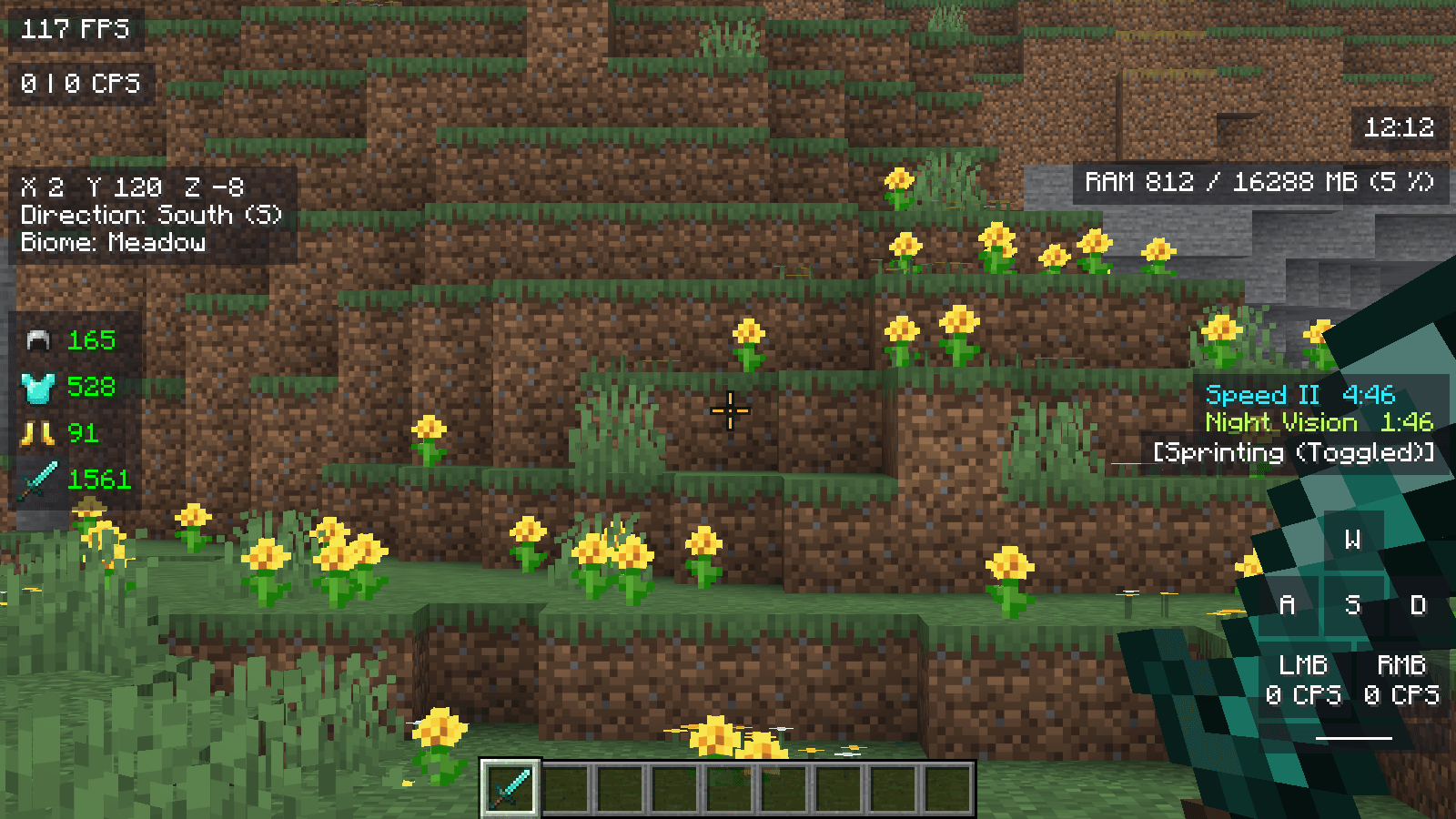
Press the sprint or sneak key once to keep sprinting or sneaking, press it again to stop. The HUD shows the state, for example Sprinting (Toggled) or Sneaking (Key held).
| Setting | Module | Default |
|---|---|---|
| Sprint only forward | Toggle Sprint | on |
| Remember state (death, world change) | Toggle Sprint | on |
| Fly boost (creative mode) | Toggle Sprint | off, 2× when on |
| Remember state (death, world change) | Toggle Sneak | off |
Both modules are off by default and sit in the category PvP.
Version notes
PvP modules
Keystrokes, CPS, armour, reach, combo, ping, custom crosshair, hit feedback, shield position and more PvP modules of the TRS Client.
Minimap, waypoints and world map
The TRS Client minimap with cave view and Fair Play, waypoints with light beams, and the fullscreen world map with dimensions and PNG export.