
TRS Client overview
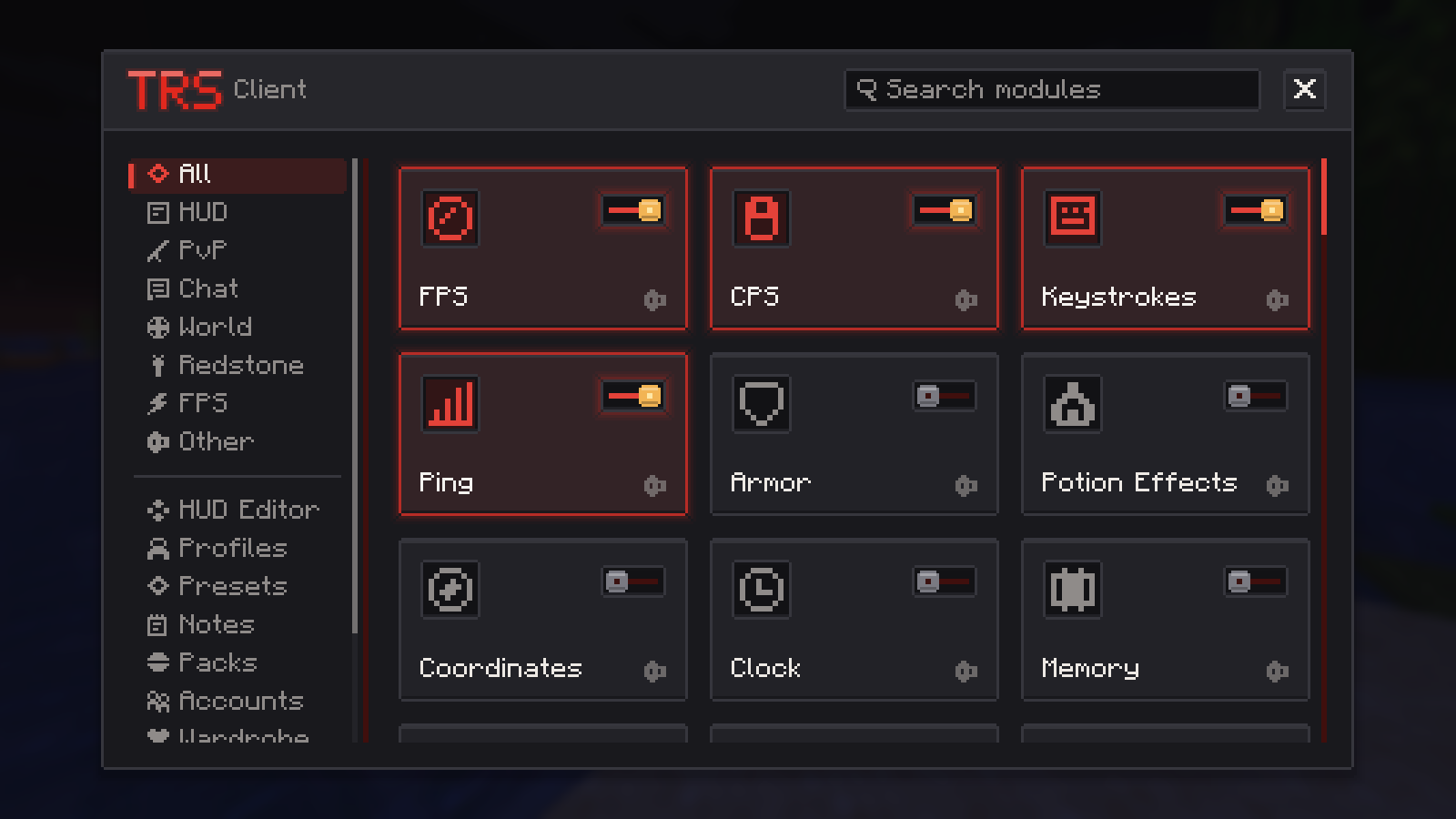
The TRS Client is the client mod that comes with the TRS Launcher. It adds a HUD, PvP and comfort modules, a minimap and world map, redstone tools, performance options, emotes, capes, a wardrobe and a social chat – all in the same redstone look as the launcher. Everything is set up in one place: the TRS menu.
Supported versions
| Loader | Minecraft versions |
|---|---|
| Fabric (also used for Quilt) | 1.14.4 – 26.3 |
| Forge | 1.7.10, 1.8.9 – 1.12.2, 1.13.2, 1.14.4 – 26.3 (not every minor version) |
| NeoForge | 1.20.2 – 26.3 |
Vanilla instances get the TRS Client too when the TRS optimization is on in the instance settings – the launcher then runs the game with Fabric under the hood.
How the TRS Client gets into your game
Create or open an instance
The launcher adds the TRS Client by itself when a build exists for the instance's Minecraft version and mod loader. You don't download anything.
Check the switch
In the instance settings under Installation there is a TRS Client switch. Turn it off if you want to play without it – it then stays off for that instance.
Start the game
The client updates itself: the launcher checks for a newer TRS Client before starting and installs it automatically.
Open the TRS menu
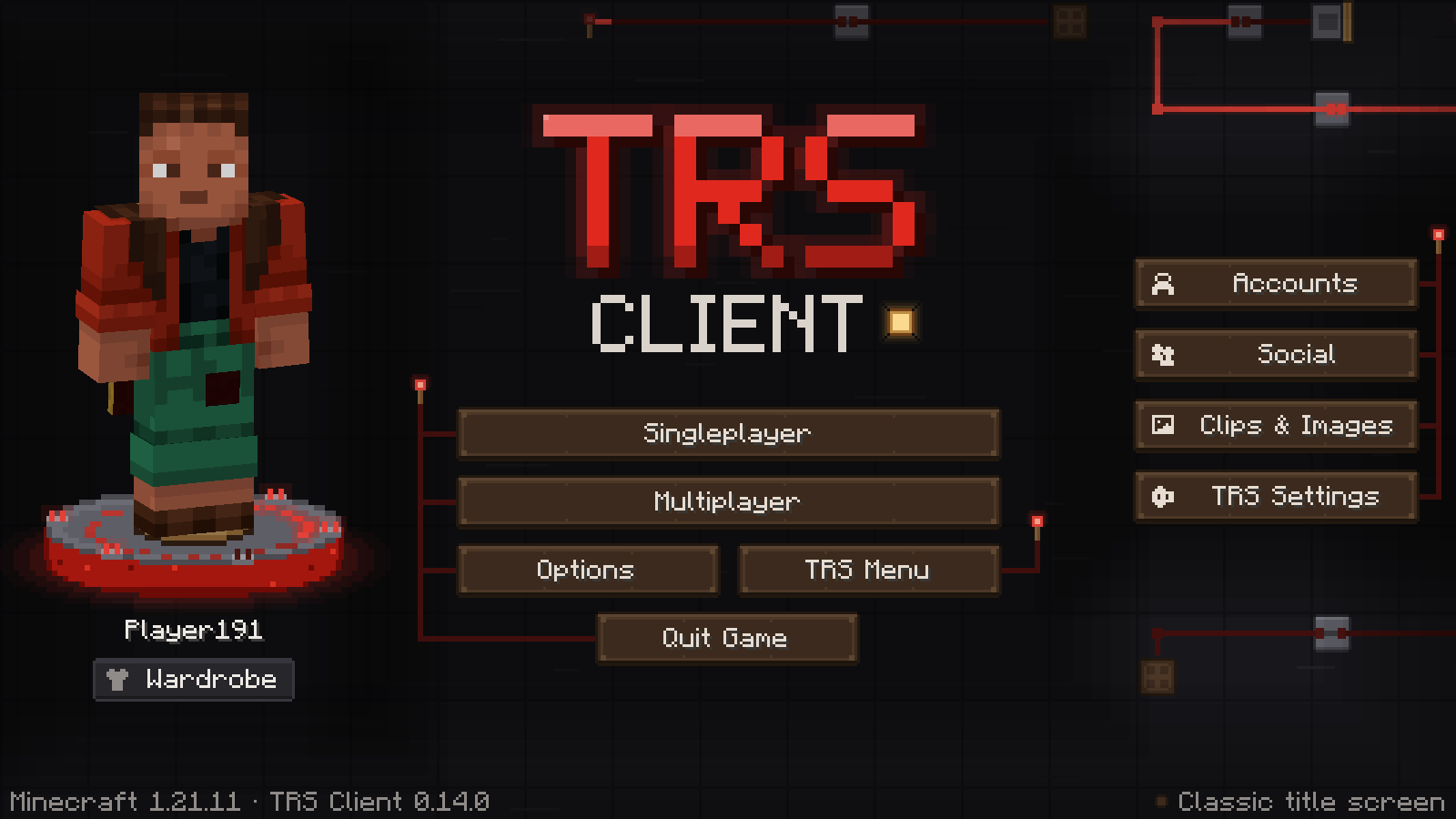
Press Right Shift in game. On the TRS title screen you can also click the TRS Menu lamp or TRS Settings in the bar on the right.
If nothing happens, check the key:
Open the controls
Go to Options → Controls → Key Binds and scroll to the category TRS Client.
Find "Open TRS menu"
The default is Right Shift. If another mod uses the same key, Minecraft marks it red – pick a free key.
Use the search
From 1.8.9 on, the key binds screen has a search box. Type conflict to see every key that is used twice.
The introduction
The first time you start the TRS Client, a short introduction with four steps appears:
- Language and look – language, theme and accent colour.
- Performance – "Pretty" or "Max FPS", frame limit and VSync.
- Key bindings – the most important TRS keys. Keys that clash with Minecraft or other mods are highlighted and can be changed right there.
- Module pack and HUD – a starting point for your play style.
You can skip it at any time. It shows up once per TRS account, and you can start it again in the TRS menu under Presets → Restart introduction. The introduction is not available on 1.7.10 and 1.13.2.
TRS online features
Capes, badges, emotes, the social chat, settings sync and bug reports use the TRS services. They need:
- the TRS services switched on in the launcher (Settings → Privacy),
- a Microsoft account (offline and demo accounts can't sign in),
- the module TRS Online Features switched on in the TRS menu.
The client signs in with your Minecraft account, just like when you join a server.
Report a bug from the game
Something doesn't work? Open the TRS menu and click Report bug. Write a title and what happened, and choose what to attach: TRS Client version, Minecraft version and loader, mod list, a log excerpt and a screenshot. Before sending you see exactly what goes out – the log is cleaned of tokens, UUIDs, names, IP addresses, email addresses, user paths and chat lines. After sending you get the issue number and can open it in the browser.